
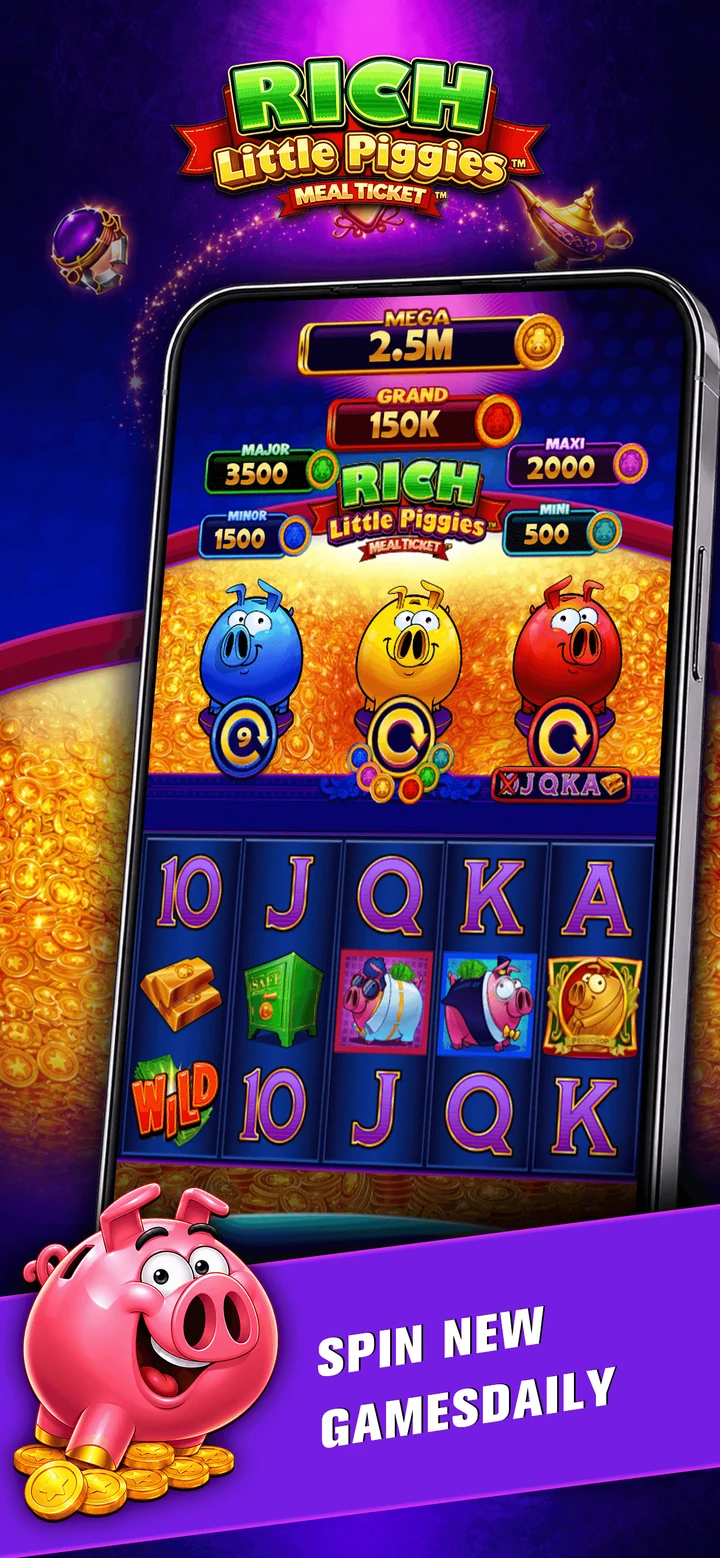
Little Piggies
Three cheerful pig characters and bright, colorful reels.
Start with a familiar name, or explore a different machine on your next visit.
Three cheerful pig characters and bright, colorful reels.

Buffalo, wildlife symbols, and a warm, open-country setting.
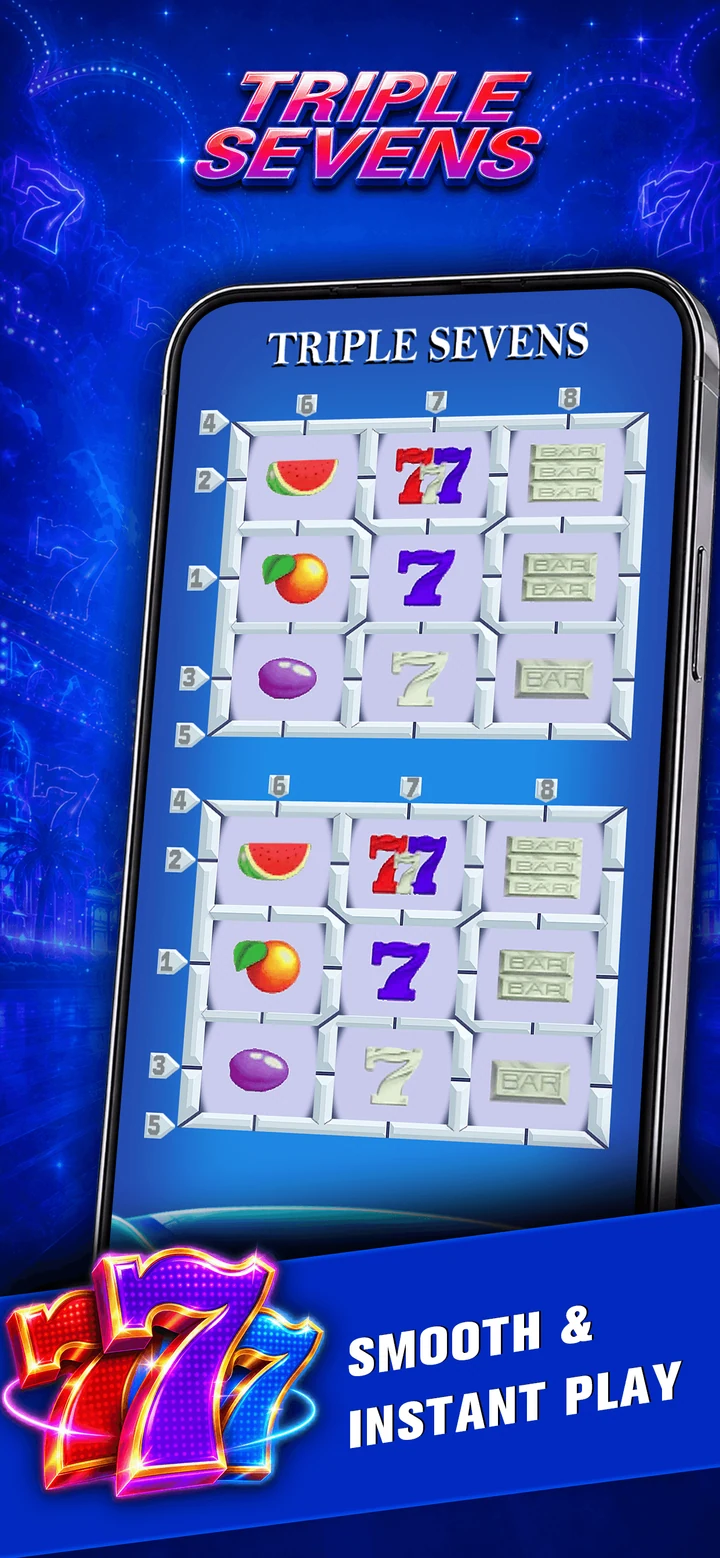
Familiar sevens, fruit, and bar symbols in a classic slot style.
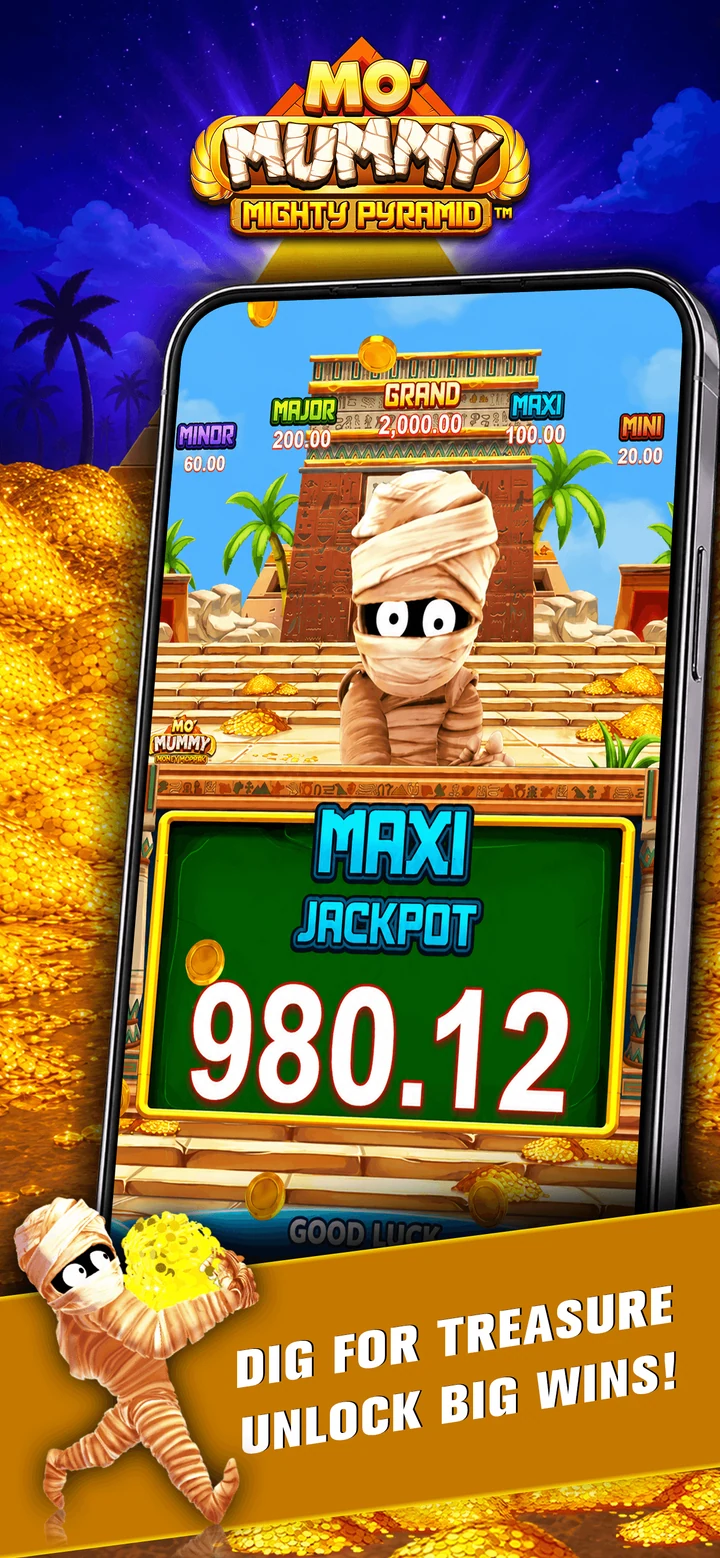
A playful mummy character, pyramids, and Egyptian-inspired artwork.
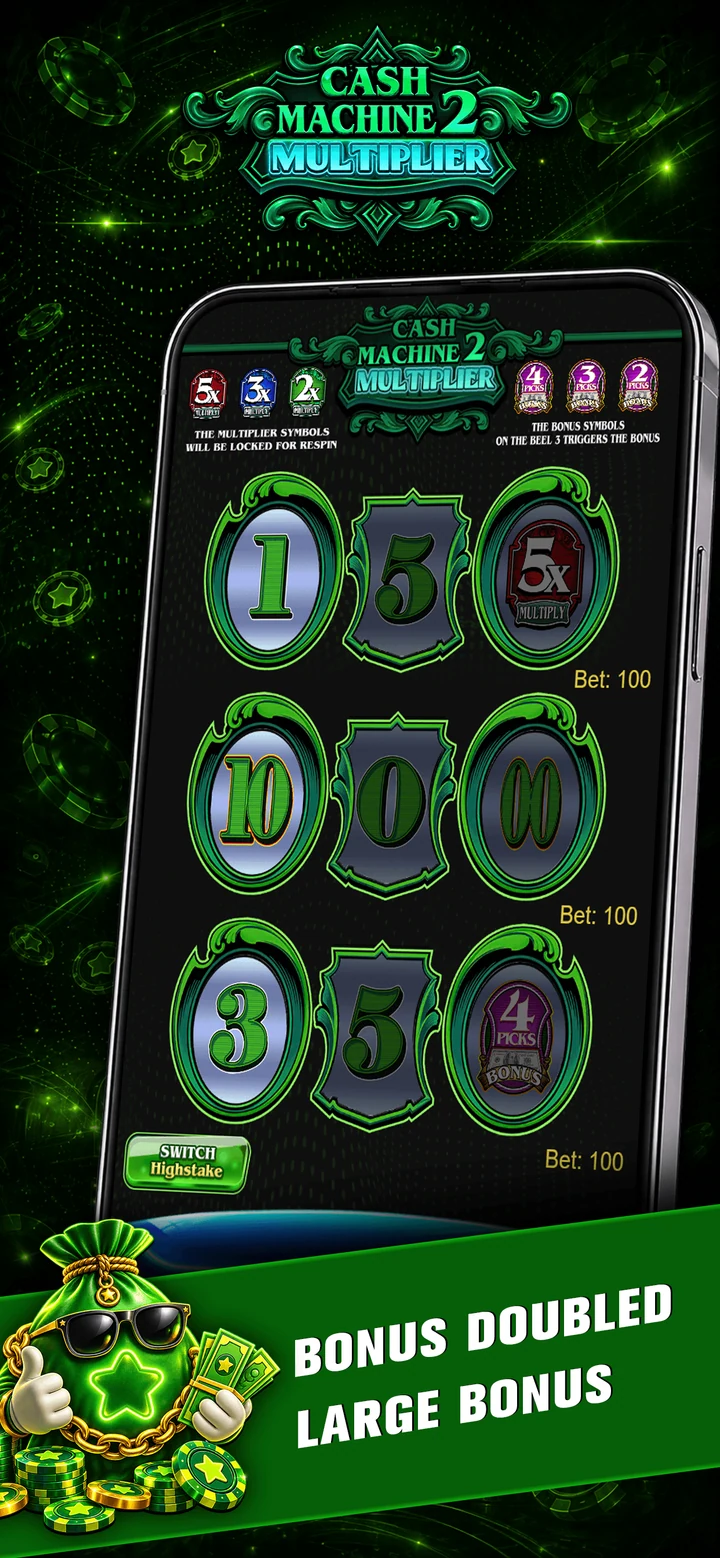
Number reels and multiplier symbols with a bold machine-style design.
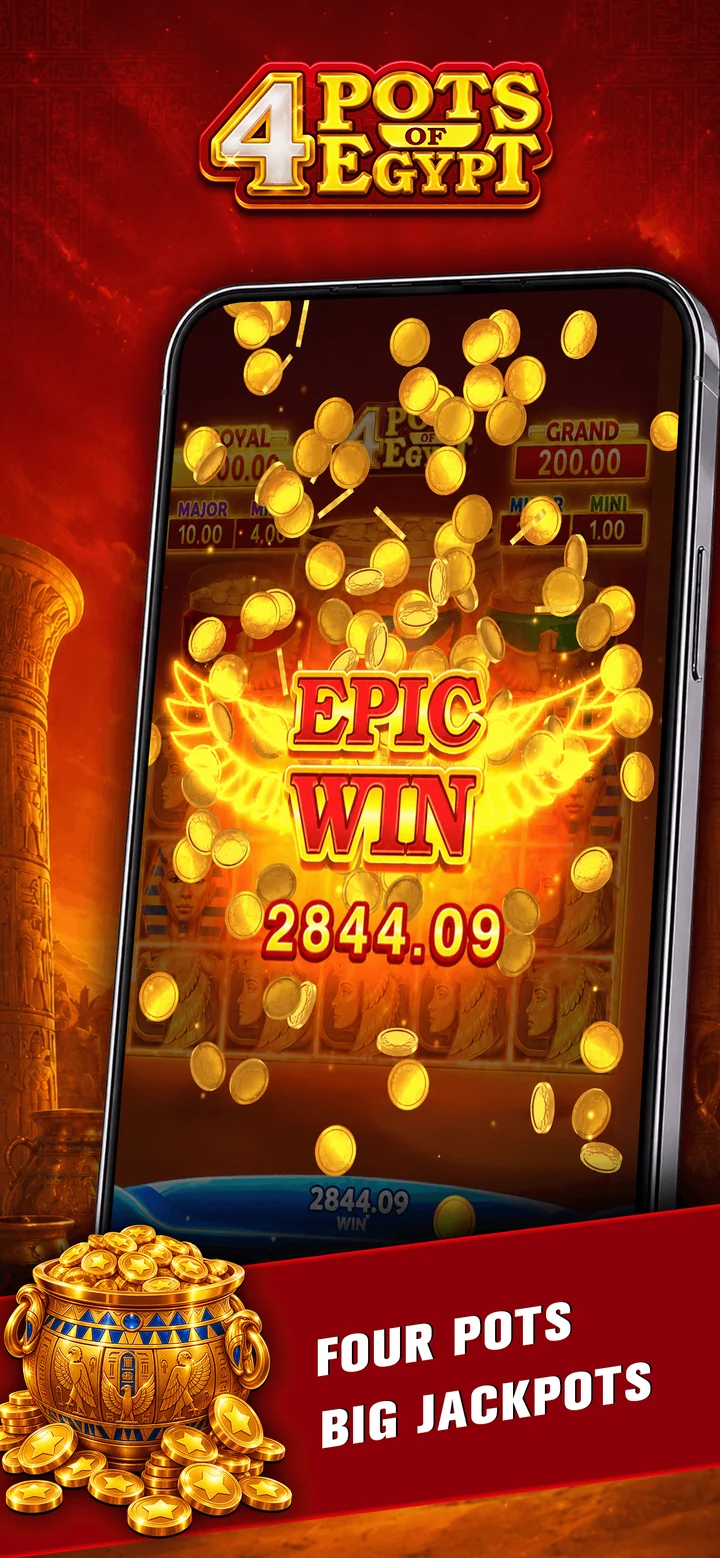
Decorative pots, coin symbols, and richly colored Egyptian imagery.
Promotional images from the Lucky Sail Slots Google Play listing.
Open a machine and take a look at its symbols and controls. Triple Sevens has fruit, BAR, and 7 symbols, with numbered line markers beside the reels. Cash Machine 2 Multiplier uses number reels and multiplier symbols, with a Bet label beside each row.
Check the selected amount and find the spin control. When a rules or information panel is available, open it for the symbol combinations and feature instructions for that machine. The App Store listing has more game screenshots to browse.
Let a spin finish before selecting the next action. Read any result or feature prompt on the screen, then follow the instructions it gives you. If you switch to a different machine, check its controls and selected amount before spinning again.
For a walkthrough, read How to Play. To install Lucky Sail Slots, use the app guide. If a game will not load, start with the connection checks in Player Help.
Open Lucky Sail and browse the game selection shown in the app. This page lists the six machine names published in the iOS store description.
Read the information displayed by the machine you select. A different title can use different symbols and features, so check its own instructions before starting.
Open Lucky Sail and explore the games.